Flashcards vs. Apps: Which Digital Tools Actually Help with Coding Retention?
Terry Stagg
April 11, 2026
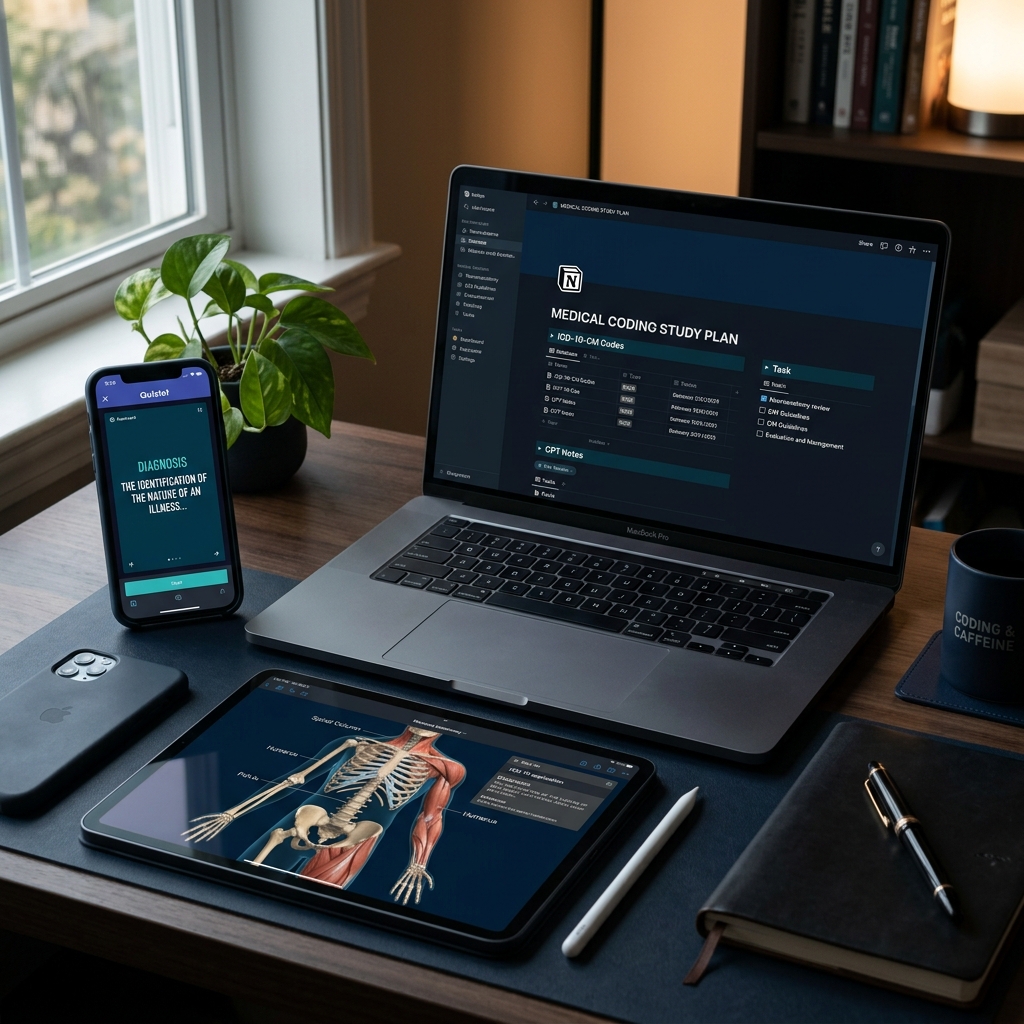
For any student diving into the world of medical terminology and coding, the sheer volume of information can feel like trying to drink from a firehose. Between the thousands of ICD-10-CM diagnosis codes, the intricacies of CPT procedure codes, and the Greek and Latin roots we discussed in our last post, your brain is working overtime.
The old-school solution was a box of handwritten index cards and a thick medical dictionary. But it’s 2026, and the landscape has changed. We have AI-integrated study assistants, mobile apps, and sophisticated database tools like Notion at our fingertips. The question isn't whether you should use technology—it’s which tools actually move the needle for your retention and which ones are just "digital clutter."
In this article, we’ll compare the heavyweight champions of study tools to help you decide how to build your personal "study stack."
1. The Science of Learning: Spaced Repetition (SRS)
Before looking at specific apps, we have to understand why certain tools work. The most effective digital study tools utilize Spaced Repetition Systems (SRS).The "Forgetting Curve" suggests that humans forget about 70% of what they learn within 24 hours unless that information is reviewed. SRS apps use algorithms to show you a piece of information (like the meaning of the suffix -stenosis) right at the moment you are about to forget it.
2. The Contenders: Apps vs. Custom Databases
A. Anki: The Powerhouse of Memorization
Anki is often cited as the gold standard for medical students, and for good reason. It is a pure SRS flashcard app.B. Quizlet: The User-Friendly All-Rounder
Quizlet is likely what you used in high school or college. It’s visual, gamified, and easy to use.C. Notion: The "Second Brain" for Coders
As a Certified Notion Consultant, I’m biased—but for good reason. Notion isn't just a flashcard app; it’s a relational database. The Pros: You can link a medical term to a specific ICD-10 chapter, then link that chapter to your own study notes, and even attach a PDF of a coding clinic article. You aren't just memorizing; you are building a professional reference library you will use after* you get hired.3. Why Digital Beats Paper (In 2026)
While some people still swear by the tactile feel of paper, digital tools offer three distinct advantages for the modern coding student:4. The Pitfalls of "App Overload"
A common mistake students make is downloading five different apps and trying to use them all. This leads to "Productivity Porn"—the act of feeling like you’re working because you’re organizing apps, rather than actually learning the material.My Advice: Pick one tool for memorization (like Anki or Quizlet) and one tool for organization (like Notion).
5. Building Your Coding "Study Stack"
If I were starting my medical coding education today, here is exactly how I would set up my digital environment:For Daily Drills: I would use Quizlet (or Anki if I wanted more control). I would create decks specifically for Prefixes/Suffixes, Common Anatomy, and CPT Modifiers*. I would limit my drills to 15 minutes, twice a day.
6. Verification: The Coder’s Most Important Step
Whether you use an app or a handwritten card, the most dangerous thing in coding is confidently wrong information. If you download a pre-made deck from Quizlet, verify it against your official code books (ICD-10-CM, CPT, HCPCS Level II). Codes change every year. An app might tell you a code is active when it was actually deleted or revised in the 2025 or 2026 updates.Always treat your official manuals as the "Single Source of Truth."
Conclusion: It’s Not the Tool, It’s the Habit
At the end of the day, an app is only as good as your consistency. You can have the most advanced, AI-powered study tool in the world, but if you don't open it, the information won't stick.Digital tools are meant to reduce the "friction" of studying. They make it easier to start and harder to forget. Choose the tool that you actually enjoy using, set a timer for 20 minutes, and start building those neural pathways.
In our next post, we’ll move from the "how" of studying to the "what"—specifically, The Ultimate Guide, where we’ll look at the hidden logic behind the ICD-10-CM structure.
Are you a Notion user? Keep an eye out—I'll be sharing some of my custom "Coding Lab" templates soon to help you organize your studies and your future career!

Terry Stagg
With 36 years in healthcare and 27 years as a Director of Information Systems, Terry Stagg bridges the gap between clinical documentation and the revenue cycle. He is a technology specialist and hospital data expert.